

Gift A Game: There is no perfect time for gifting. One should present gifts to their dear ones when the feel like showing them love and care. But as a gamer, it does get difficult sometimes to think what a fellow gamer would like as a precious gift. You can gift a game to them! The one they like and are waiting to buy whenever possible.
If you don’t know how to gift a game on epic games store, then the information below will help you with this task. Learn all the steps of gifting a game to your friend via Epic Games Store and if you have any doubts, don’t think twice and just ask.
How to gift a game to your friend on Epic Games Store?
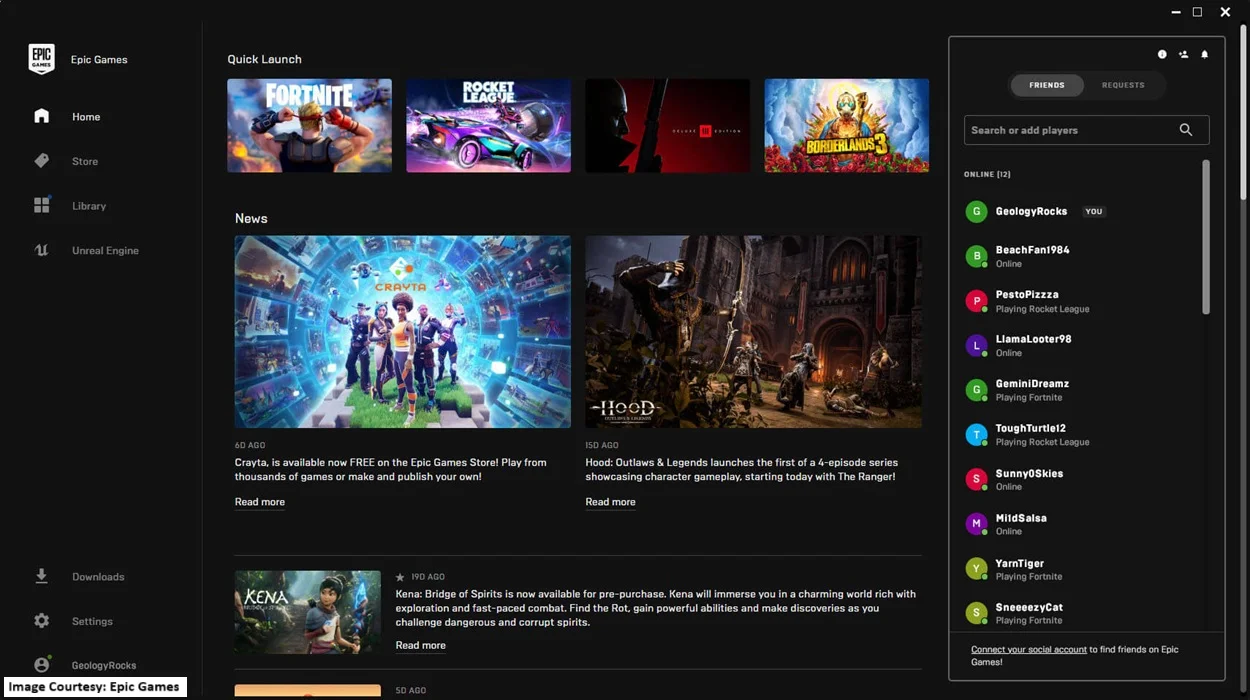
If you think Epic has not yet started with the ‘Gift a Game’ feature, then you need to update your source. In mid-November 2025, Epic officially launched the ‘gift a game’ to your friend feature and below are the steps to make use of this feature.

Step 1: Login to your Epic Games Store account and browse the game you want to gift to a fellow gamer.
Step 2: After finding that game, locate it on its store page.
Step 3: You will see a gift button on the side of the screen. Click on that button.
Step 4: Now, before you send the game to your friend, you have to make sure you know their ‘Display Name’ properly, so the game is delivered to the right person. Confirm their Epic Games display name and enter it in the required ‘To’ field.
Step 5: If you have any notes to attach to the game, for example ‘happy birthday’, ‘happy Thanksgiving’, or ‘Merry Christmas’, then do that in the next field provided below. You can also choose from the messages provided on the website.
Step 6: Select a date of online game delivery. Although you can immediately send the game to your friend, if you want it to be delivered at a specific time on a specific day, you can also opt for the ‘scheduling’ option.
Step 7: You will then be directed towards the payment option. Add your online payment details for the game and purchase it on your friend’s behalf.
Step 8: Now proceed to the ‘checkout’ option and move forward with other technicalities.
Step 9: Click on the send button and wait for your friend to call you in excitement when they receive this gift of yours.
FAQs
- Is there anything I should do before sending a game gift to my friend via Epic Games Store?
Yes, here are a few details you must ensure are intact before you proceed with gifting a game to your friend through Epic Games Store:
1. Your Epic Games Launcher must be version 19.0 or later. Update it if it is not!
2. Your friend must also be an Epic Games user like you.
3. You and the recipient must have been Epic friends for at least two days to send and receive the gifts.
4. You can only send one gift at a time to anyone. A shopping cart cannot be used for multiple game gifts.
- Do I need to pay for the game I am sending to my friend as a gift from Epic Games?
Yes, you have to pay for the game that you are gifting to your friend through Epic Games Store.
- How many games can I gift to my friend on Epic Games Store?
You can send as many games to your friend as a gift as you like. The only condition is, you can only send 1 game at a time, not multiple games.
- Can I send a game to my friend for free on Epic Games?
No, you have to pay for the game you are gifting to your friend through the platform. Although you can send games at discounted rates to anyone you like, free-to-play games are not gift-able.
Now that you have a great idea to surprise your friends and the steps to initiate it, we hope your gifting responsibility towards your gamer friends is sorted. Is there anything else mgcbuzz.com can help you with? Don’t forget to let us know.
Read Related Articles:




Trending
Best Gaming Accessories for Content Creators to Buy During the Amazon Great Indian Festival Sale
Which Gaming Character Should You Dress Up as for Halloween 2026?
Is Silver Pines Good Enough for Halloween Gaming?
Why Anime Lovers Must Look Forward to ONE PIECE: Grand Gourmet