
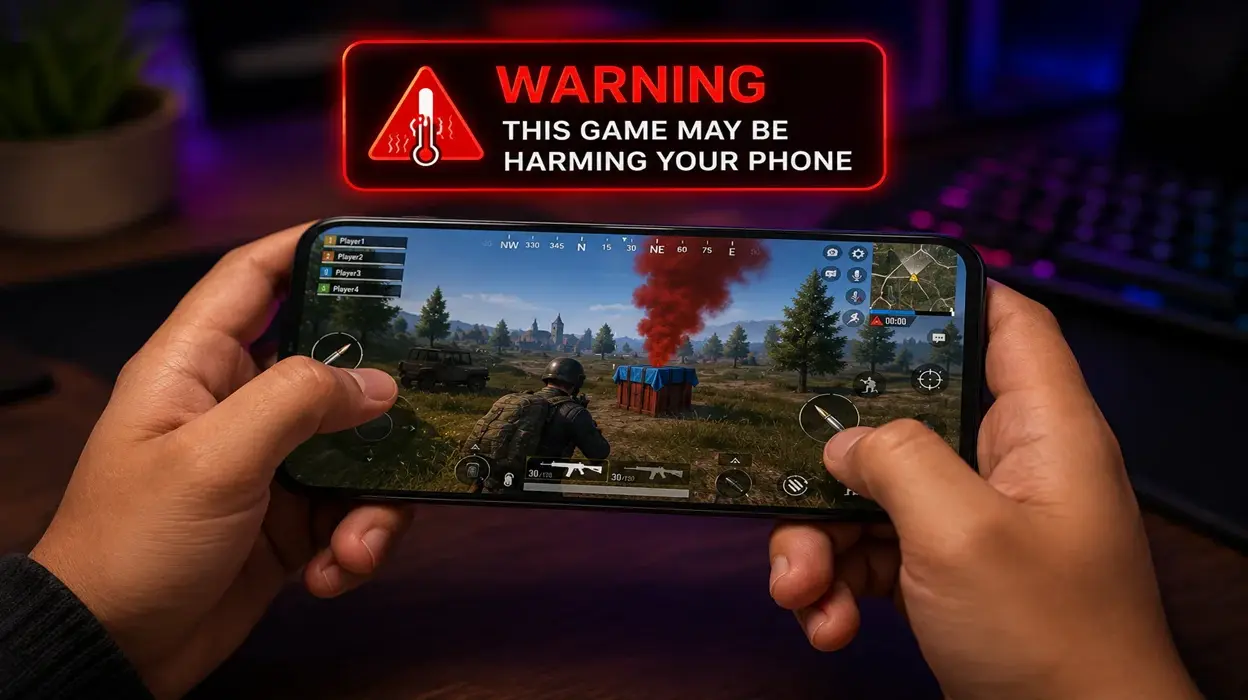
Have you ever experienced problems with your phone after installing a new game on it? Then all your attention diverts towards this newly added mobile game. And now, you are thinking about how to save your phone from this uncalled-for disaster? If you think problems with your phone can occur via a mobile game only after installing it, then you are wrong. Some games can make your phone’s functionality slow even though you have installed it a long time back. Whatever the issue is and however long you have been keeping that game on your phone, the solution needs to be discussed for all this. Let us quickly discuss the issues with you and tell you the solutions to them.
Potential problems that can occur due to a faulty mobile game
Overheating
The games are supposed to help you chill and relax for a bit. Simultaneously, they are not supposed to put pressure on your phone and cause overheating on the device. Especially if the game is not too heavy and can also be played offline. Such games do not take up a lot of space on the phone. Hence, they don’t have to overheat your phone as soon as you start playing. When heavy games are making your phone heat up after playing the game for some time, it is completely understandable. You should not worry about the game and stop playing it for a while for the sake of your device’s safety. After all, even they have to rest to perform better after facing stress like overheating.
But, if your device gets heated up as soon as you start playing a casual game, uninstall it right now. The game is bad—bad news for your phone. If you want, you should find out why your phone started to overheat when you opened the game, but do that after uninstalling it. Constant overheating can reduce your battery’s lifespan. Moreover, the game might be putting excessive strain on the processor or graphics chip of your phone. So, uninstalling it is the best solution.
Phone crashes or restarts on its own
This one shouldn’t be on the list because every smartphone user knows it. When a game constantly crashes your phone or the phone restarts on its own, the game shouldn’t be on your device. This is a sign of a poorly optimized or a buggy game. Both of them are not good as they might cause some permanent problems with your phone. You then have to spend money, get it fixed, and get rid of the game. So, it is better to get rid of it right now. Also, not just a game, but if there’s any other app on your phone that does something similar to your phone, remove it. Just look for a substitute or find out the cause of the problem to fix it. But don’t tolerate it. Act on the problem and protect your phone.
The battery runs out too quickly
Is your phone’s battery running out too quickly as soon as you start playing a game? But otherwise, the battery stays good and there’s no concern at all. So, have you considered monitoring your game’s functions? It is obviously normal for your phone’s battery to run out quickly when you are playing games. But sometimes, games could be running background processes, using location services, or constantly syncing data. That is when the concern should arise.
If you don’t play a game too much, but it is still draining your device’s battery, know that something is happening without your knowledge. The game might still be running background processes on its own, putting your personal data at risk. Confirm the cause and if it is true, delete the game permanently from your phone.
Mobile data running out fast
Have you experienced your mobile data running out faster after installing a new game? This happening when you are playing the game is pretty normal. But if you don’t play the game much, and it is still taking up too much of your mobile data, that is a big sign for you. Some games continuously download content like new maps, kins etc., display ads, or upload gameplay data to their servers, such as your game progress, match results, settings, device information, or diagnostic/crash data.
If your phone ‘s data is getting used up pretty quickly, you must check if that is happening because of the new mobile game you added. If that is so, consider deleting it if you want to stop your mobile data from running dry like that.
Phone lagging
Now this issue persists when you download an unauthorized game. The biggest sign that your game is corrupt is your phone starting to lag. If, after downloading a game, the other apps on your phone start to freeze or take too long to open, it is a huge signal that the game is not good for your device. This usually happens because such gaming apps consume too much RM or storage space in your phone. As a result, the interface becomes sluggish and the phone’s smooth performance drops to nil.
Other issues an online game can cause for your phone
The problems mentioned above are the first or primary signs that a mobile game is causing problems for your device. But there are more problems that can tell you that something is up with your phone. These include:
- The mobile gaming app asks for too many permissions. This shouldn’t happen when you have downloaded a casual mobile gaming app.
- Frequent ads or third part pop-ups showing while you are playing the game. This can be the reason why your phone has started acting strange after installing the app.
- The game has filled up an otherwise available space in your phone. This can happen because the game might have downloaded additional files after installation, which is a major red flag in any game or app altogether.
- If your network and battery usage have spiked after installing a third-party mobile gaming app, it is trouble for your phone. The game might be syncing, downloading assets, or sending analytics in the background which explain the excessive network and battery usage. But these activities can be dangerous, especially if they are happening behind your back. So, the game is an issue for your device.
How to fix the issue?
Here are some quick fixes for the problems mentioned above. These can help you play the game by eliminating the risks it poses to your device. Or it will make it clear to you if you have to delete the game because the problems are not solving.
- Avoid playing while the phone is charging
- Remove a thick phone case during long gaming sessions.
- Take regular breaks to let the phone cool down
- Disable location access if the game doesn’t need it
- Reduce the frame rate if your phone struggles to maintain it
- Check whether the game meets your phone’s recommended specifications
- Use Wi-Fi for large game downloads and updates
- Disable automatic downloads for the game
- Don’t click on suspicious advertisements.
- Restrict its background data
These issues don’t 100% mean the game is an issue for your device. But it is still worth keeping an eye on. Games that repeatedly download large files without clearly explaining why are a red-flag. Games that advertise outside the game are also a major red flag. Such games might not be an issue for your device’s life. But they are definitely a threat to your personal and private details.
When to consider deleting the game?
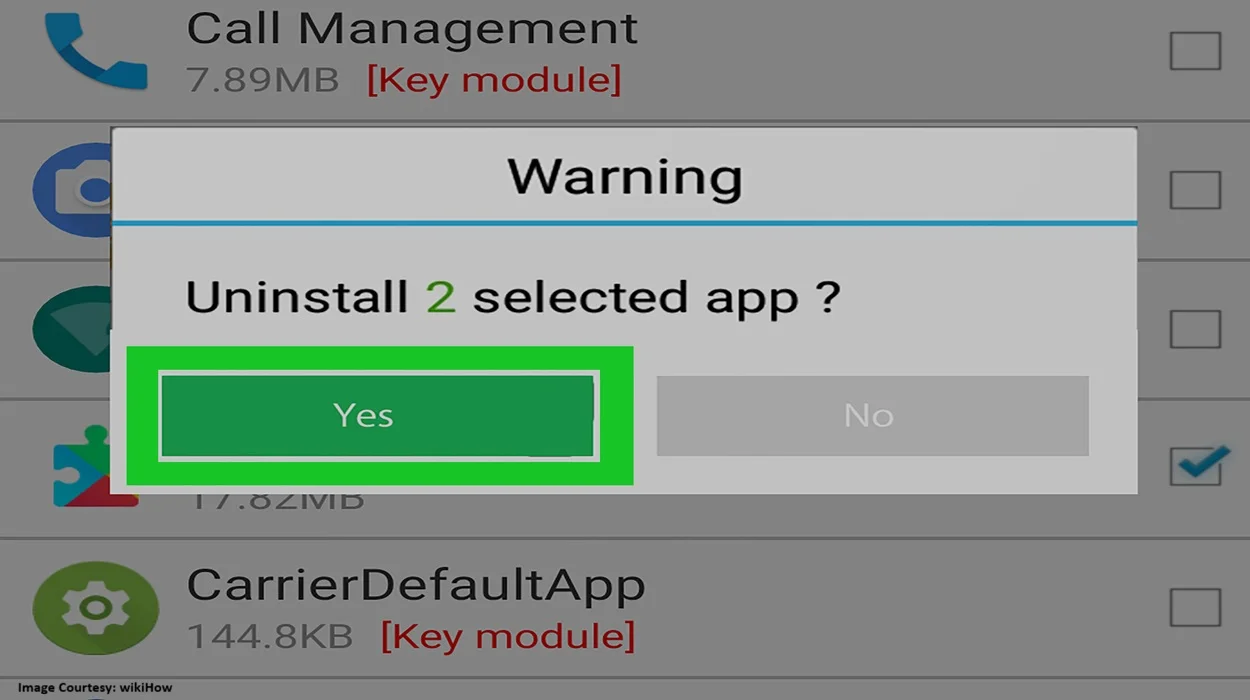
If the problems remain even after fixing the issues, it is time to uninstall the game and forget about it forever. There’s nothing more important than protecting your privacy. Especially in today’s era when everything is controlled digitally.
So, if a mobile game is constantly a problem for your phone, it doesn’t matter the number of problems it brings, delete the game. Don’t let them share your personal details with someone before taking action. You even need to protect your device’s functionality by deleting the game showing malperformance.
To Sum Up:
Games that are too heavy for your phone or those that have unauthorized software which is pirated and therefore harmful for your device can cause a lot more damage to your phone than you think. From your personal details to phone software, from its regular functioning to its battery operations, all can get affected due to just one faulty mobile game. Which is why you must be super careful before downloading anything on your phone. You may never know how it can affect your precious phone. As a result, you might end up losing what’s dear to you.
So, always be careful and download official games from authorized app stores. Whenever you face issues with a new game or an app, check what’s wrong with it and take action immediately. It is better not to play that game which you like rather than spend money on repairing your damaged phone because of the pirated mobile game you downloaded. mgcbuzz.com always advocates for safe online gaming and best measures to protect data and online privacy. For more such information on gaming with caution, mobile safety and much more, stay tuned to this space.

Trending
Best Gaming Accessories for Content Creators to Buy During the Amazon Great Indian Festival Sale
Which Gaming Character Should You Dress Up as for Halloween 2026?
Is Silver Pines Good Enough for Halloween Gaming?
Why Anime Lovers Must Look Forward to ONE PIECE: Grand Gourmet