
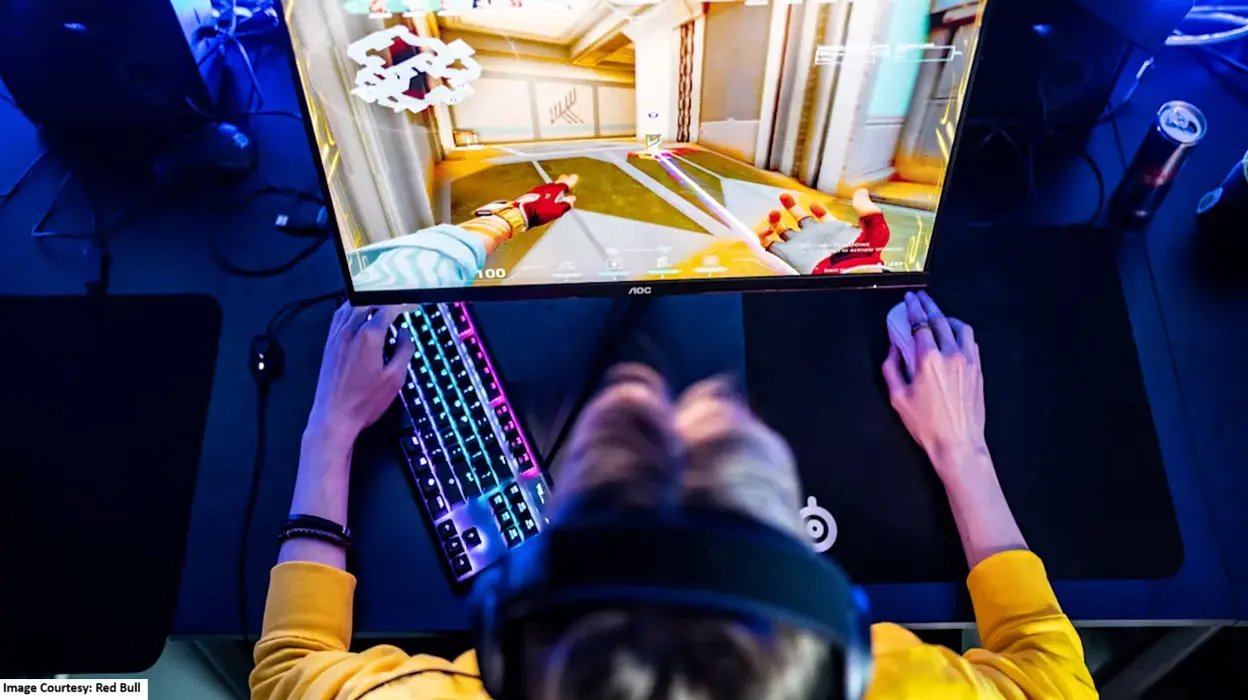
Games for PC: Have you recently found your interest in video games and still figuring out a few things? Like how the online games that are meant for PC are supposed to be played? Well, good for you because we just decided to talk about this topic.
How to play video games meant for PC?
The games that are said to be released for PC are actually downloadable on your personal computer or laptop. These games are available online to purchase and download to play whenever you like. You basically don’t have to purchase a console to play these games.
Talking about their categories and genre, games for PC come in all categories, from simple to complex. They also come in every genre that is available today in the vast international gaming market. All you have to do is check if your choice of game is available to play on PC or not.
If it is indeed available to play on your computer, then these are the steps you have to follow to play it!
Decide your Gaming platform
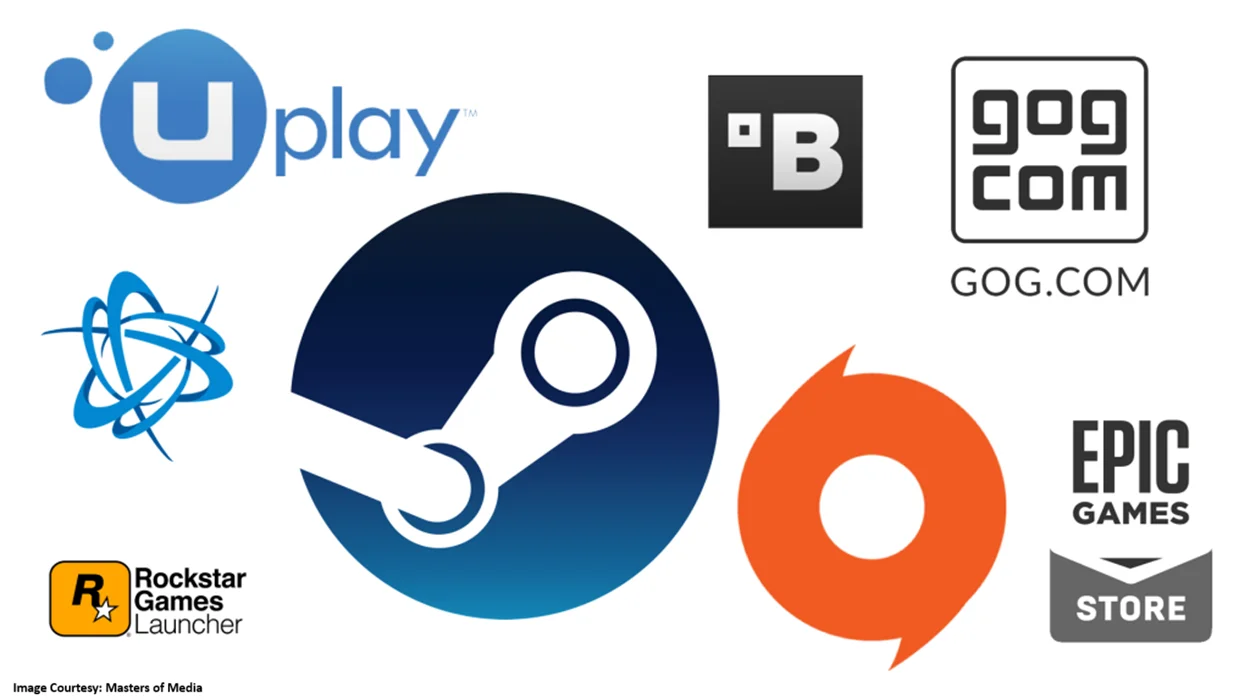
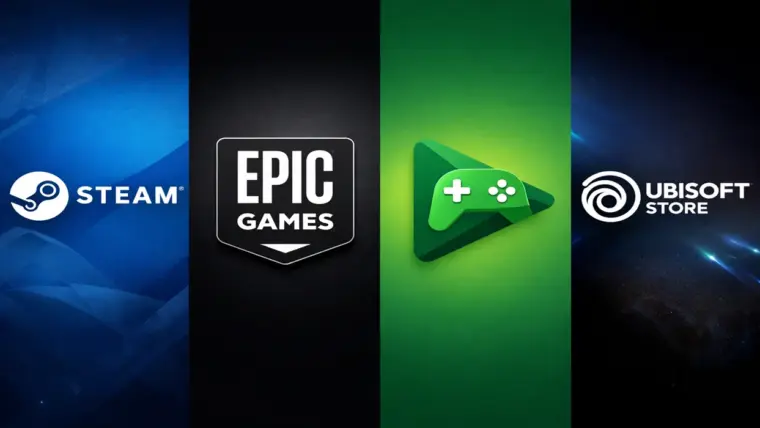
First and foremost, you need a cloud gaming platform to play professional video games for PC. Although there are other games available that can be directly downloaded to the PC, if you wish to play the fancy and famous online games, then downloading the cloud gaming apps on your PC is a must.
These cloud gaming apps include:
- Steam
- Epic Games
- Xbox app for PC
- Battle.net
- EA App
- Riot Client
You can download more than 1 cloud gaming app if you like. But if you initially wish to choose just 1 of these platforms, we suggest you do your research before making the choice. It will help you get access to the games that you desire to play, and you won’t end up disappointed, as there are chances that some games might be available in a selective cloud gaming store only.
Note: for your digital safety, it is highly recommended to download the launcher of these apps from their official apps only.
Create an account on the chosen platform
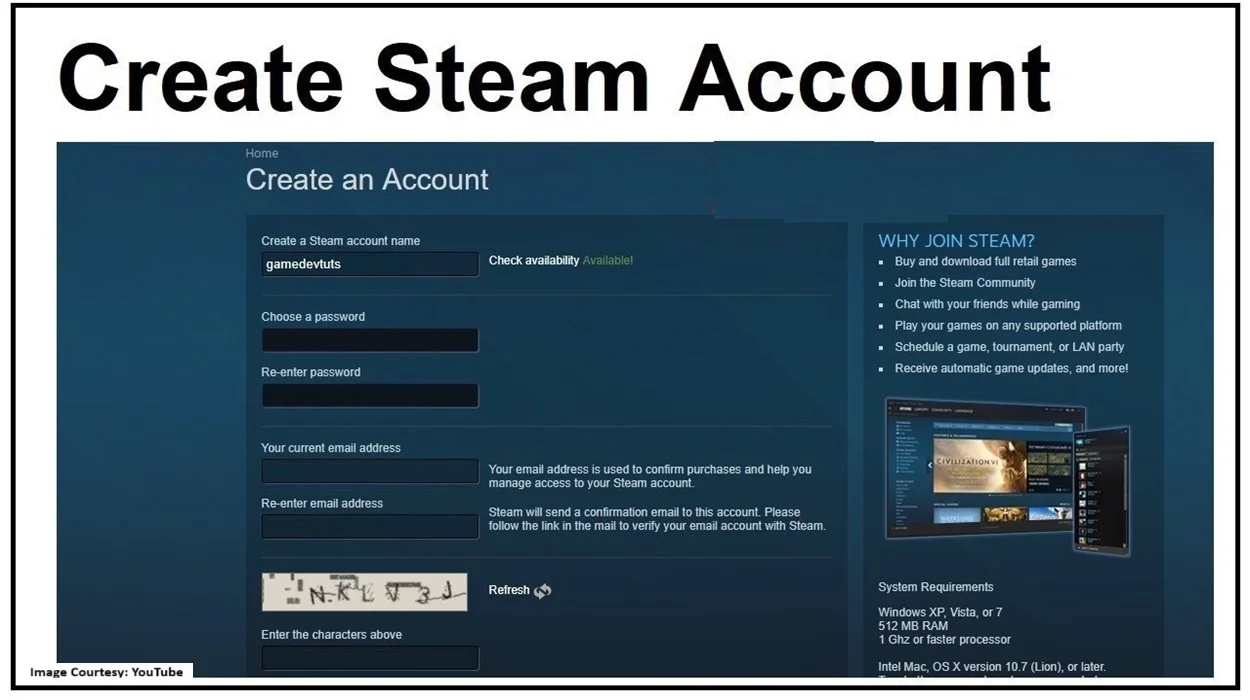
After you have downloaded your choice of gaming app on your PC, it is now time to create an account. This account will give you access to download all the video games that are available on the platform.
After creating the account and signing in, you will be able to access the cloud gaming account’s vast library. This gaming library will consist of most of the famous games divided mainly into two parts; the paid games and the free-to-play games.
All these platforms also host gaming events regularly where you get the chance to buy your favorite game at discounted rates. So, be wise when deciding to buy a particular game at a particular time.
Download and install the game – Games for PC
Now that you have created an account on the cloud gaming app, it’s time to browse some games. If you already have a list, just search for those games. And if you are looking for games with the best reviews, then browse some and find the ones you would love to try.
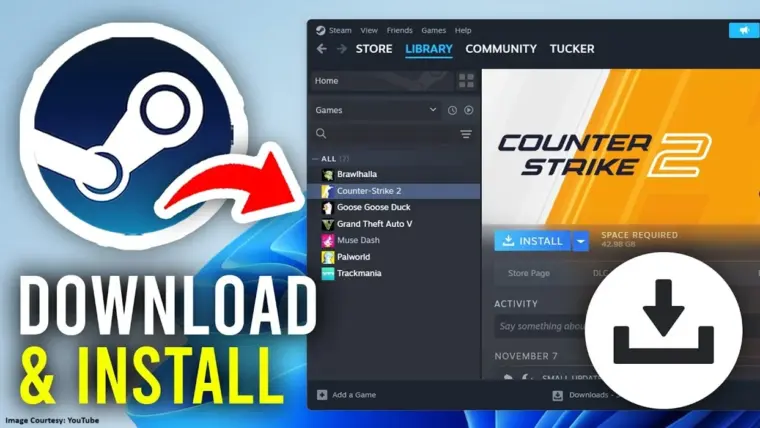
Then, download the game by following the procedure and paying for it. Once you have confirmed your purchase, the game will start downloading into your cloud gaming app’s library. Once the download is complete, check if the game is available there.
And that is how you can create an entire gaming library of yours to play your purchased games without any hassle and even without the internet. Just launch the game and you are good to go.
Other things to keep in mind – Games for PC
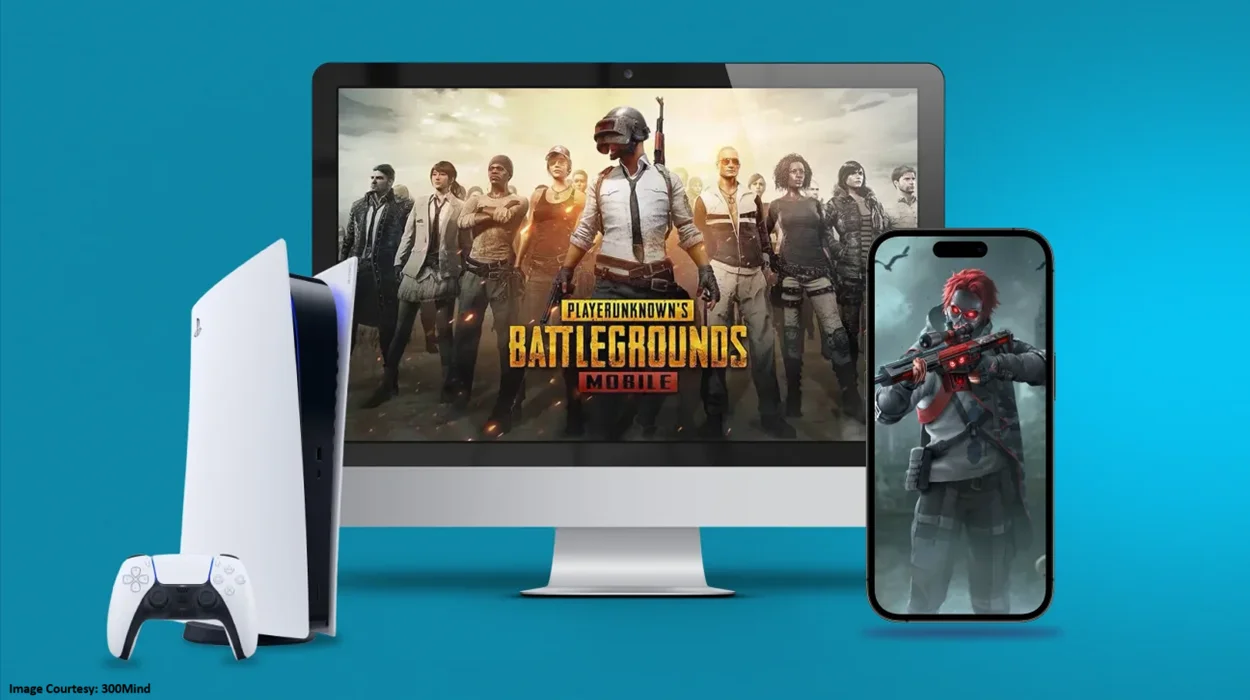
Here are a few things to keep in mind before you proceed:
- You need a stable internet connection to download any game on your PC.
- You need to make sure your PC has enough space to run the game smoothly.
- If your PC crashes/hangs when you start playing a game, the PC is not fit for gaming. You might have to buy a new gaming PC or increase the RAM of your existing setup.
- To play action/adventure games, you need to ensure your mouse and keyboard are solid enough to bear all the multiple clicking(s).
- You might need headphones to play some games. So, do check the requirements before buying any new game in case you are not planning to invest in any new gaming gadget right now.
If you have any other questions related to your new-found interest in games for PC, mgcbuzz.com is here to help you solve it. For more details on online gaming and new trends related to it, make sure to check out this space regularly. We will see you soon with more interesting and useful gaming information.
Read Related Articles:


Trending
Why Do Developers Provide Early Access To Their Games?
Online Games Coming Out On All Platforms In March 2026
Best VR Gaming Systems For Immersive Gaming Experience
Top Online Gaming Websites For Playing Games On PC